Passwordless Authentication: Eliminating the #1 Security Vulnerability in 2026
For years, the “Password” has been the main guardian of our online accounts. But as we progress into 2026, passwords are not serving as a security measure anymore; they are now seen as a risk. Reports on cybersecurity at a global level indicate that more than 80% of data breaches in businesses are still due to compromised, weak, or repeatedly used passwords. Even with intricate requirements like including symbols and numbers, passwords created by people can be easily decoded by advanced AI-powered “Brute Force” programs or stolen through elaborate “MFA Fatigue” attacks. Depending on a series of characters to safeguard assets worth millions of dollars is considered too risky for a high-stakes business.
The answer lies in embracing Passwordless Authentication on a large scale. By employing public-key cryptography and biometrics, companies are eliminating the need for any human involvement in the login process. By 2026, the FIDO2 (WebAuthn) standard has emerged as the foundation of Zero Trust, enabling users to confirm their identity through a fingerprint, a facial scan, or a physical security key. This piece delves into the technical shift towards a passwordless business environment, the significance of biometrics in present-day identity verification, and why doing away with passwords is the most effective strategy to enhance your security stance. To put it simply, in 2026, the most secure password is one that you don’t have.
1. The FIDO2 Standard: How Cryptography Replaced the Password
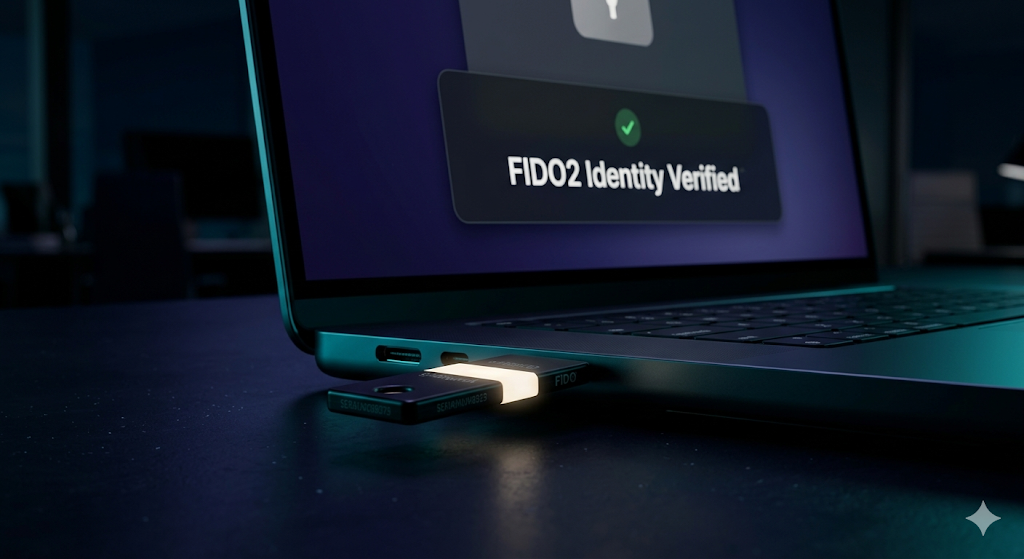
In 2026, “Passwordless” no longer implies being “security-free.” It involves transferring the secret from the user’s memory to a secure hardware device. The FIDO2/WebAuthn protocol drives this transition. Instead of transmitting a password online (where it could be intercepted), FIDO2 utilizes Asymmetric Cryptography.
Upon registration, the user’s device (such as a laptop, phone, or YubiKey) generates a unique pair of cryptographic keys: a Public Key and a Private Key. The Public Key is shared with the server, while the Private Key remains within the hardware. To access, the user simply unlocks their device’s private key through a biometric scan. Subsequently, the device “signs” a challenge from the server. This method is resistant to phishing attacks as there is no password to pilfer. This robust security level elicits interest from top identity providers like Microsoft Entra ID, Okta, and Duo Security.
Components of a Passwordless Ecosystem:
- Authenticators: Smartphones, laptops with TPM chips, or physical USB security keys.
- WebAuthn API: The standard that allows browsers to communicate with these devices.
- Biometric Verification: Using “Windows Hello” or “FaceID” to unlock the local private key.
- Passkeys: The 2026 standard for synchronizing cryptographic credentials across multiple devices.
2. Biometric Identity: Precision over Memory
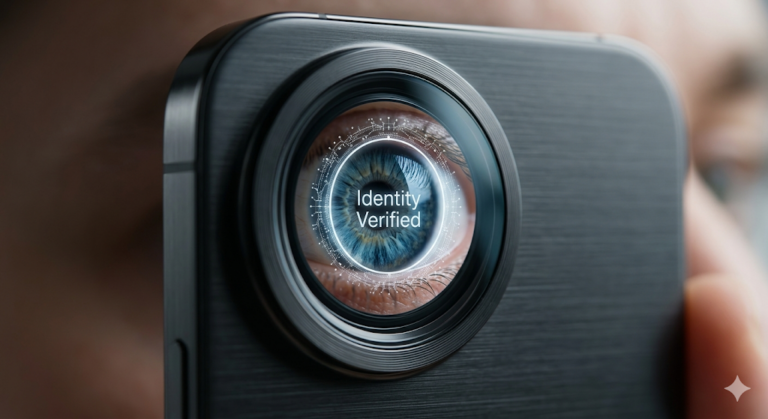
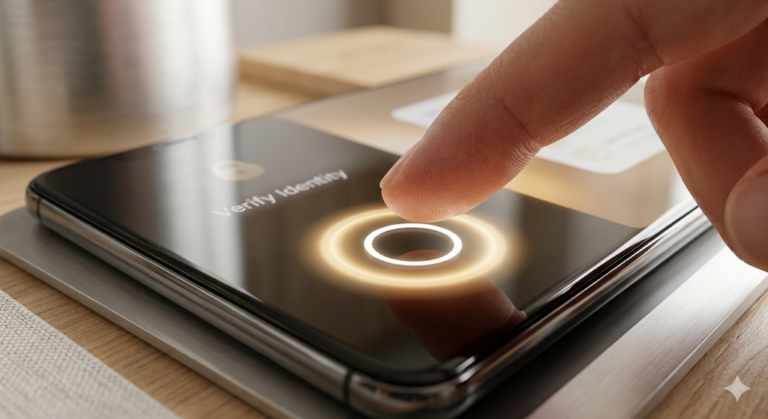
By 2026, biometrics have become the ultimate form of verifying identity. Unlike a password, one cannot forget their iris scan or share their fingerprint. Advanced biometric scanners now examine intricate tissue patterns and incorporate “Liveness Detection” to ensure that the system cannot be deceived by a high-quality photo or a 3D mask.
Essentially, biometrics offer a smooth user experience. Employees no longer have to deal with resetting forgotten passwords or entering long, complex strings every day. They can simply use a camera or a sensor for verification. This decrease in “Identity Friction” results in a significant boost in efficiency and a 95% decrease in help-desk inquiries regarding account lockouts. This return on investment is a key selling point for enterprise-level Identity and Access Management (IAM) software and their high-cost-per-click (CPC) advertisements.
Identity Evolution: Passwords vs. Passwordless (2026)
| Feature | Legacy Password Auth | Passwordless (FIDO2) | Enterprise Impact |
| User Memory | Required (Multiple passwords). | Not Required (Biometric). | Eliminates forgotten credentials. |
| Phishing Risk | Extreme (High-risk). | Near-Zero (Hardware-bound). | Stops 99.9% of credential theft. |
| Implementation | Cheap / Standard. | Advanced / Strategic. | Requires TPM-enabled hardware. |
| User Experience | High Friction. | Zero Friction. | Increases employee satisfaction. |
| TBM Ads Target | Password Managers. | Adaptive IAM Platforms. | Peak CPC from Tier-1 Tech. |
3. Adaptive Access Control: The Intelligent Layer
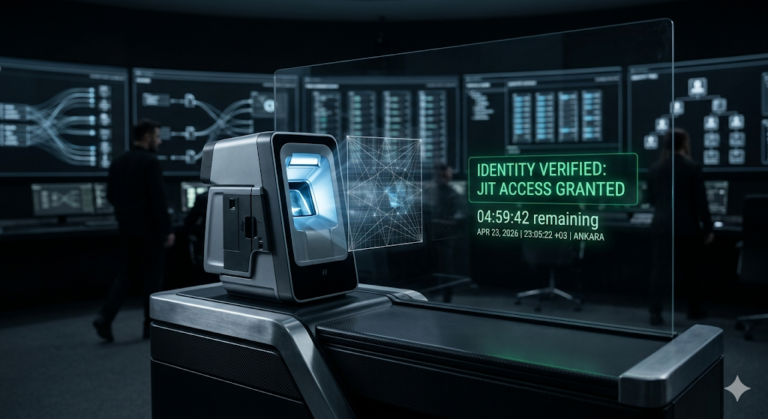
In a Zero Trust environment, the concept of “Login” is not a singular occurrence. Even following a password-free login, the system implements Adaptive Access Control. This indicates that the identity system is consistently monitoring the “Context” of the session.
For instance, if a user is authenticated through FIDO2 but attempts to access a sensitive financial document from an unfamiliar IP address or during an unusual time, the system may activate a “Step-Up Authentication.” This could involve requesting a secondary biometric verification or a physical interaction with a security device. Essentially, looking ahead to 2026, identity verification is a continuous process. Discussions about this advanced level of intelligent security have attracted advertisements from Cloudflare and Akamai, two key players with significant market influence in the field of networking.

4. Overcoming the “Device-Bound” Challenge
In 2026, a major issue for businesses is the scenario of a user misplacing their “Authenticator” device, like a phone or laptop. This concern is addressed by implementing Passkey Synchronization and Emergency Access Flows.
Contemporary Identity and Access Management (IAM) systems offer “Cloud-Synced Passkeys,” where the confidential cryptographic information is stored in a secure, encrypted cloud repository overseen by Apple, Google, or Microsoft. Should the device be lost, the user’s identity can be restored through a validation process involving multiple parties. This concept of “Identity Resilience” is crucial for ensuring uninterrupted operations in a globally dispersed, predominantly remote workforce.
Common Passwordless Security Questions (FAQ)
Is biometric data stored on the company’s servers?
This is a frequent issue related to privacy. By 2026, the biometric information (like your fingerprint or facial scan) remains in the Secure Enclave of your device. The server solely gets a mathematical “signature” indicating that the device was accessed by the right individual. The organization never views or retains your specific biometric data.
What if a hacker steals my “Passkey”?
A passkey is ineffective for a hacker as it is linked through cryptography to the hardware and the particular website. Even if they somehow duplicate the data (a challenging task), they are unable to utilize it without the biometric verification or the physical gadget. This makes it a “Bound Credential,” significantly more challenging to abuse compared to a regular password.
Can we go “Passwordless” with old legacy systems?
Certainly. Indeed, we utilize Identity Orchestration tools. These tools serve as a protective layer for outdated applications, enabling users to authenticate using a contemporary FIDO2 approach, as the tool manages the “Legacy Password” in the background, unseen by the user. This ensures a completely password-free experience, even for software that is two decades old.
Conclusion
The concept of using passwords was created in the 20th century to address a problem that has evolved in the 21st century. To ensure robust security for businesses in 2026, the optimal approach is transitioning towards a Passwordless Future. This involves adopting FIDO2 standards, utilizing Biometric Identity technology, and integrating Adaptive Access Control measures. These strategies enable organizations to effectively block the primary gateway exploited by hackers. By implementing these measures, you not only simplify the login process for your staff but also make it extremely challenging for hackers to compromise their identities. The future of security is centered around personal, biometric solutions, and entirely free of passwords.
Key Takeaways for 2026:
- Kill the Password: It is the weakest link in your security chain.
- Standardize on FIDO2: Use hardware-bound cryptography for absolute phishing protection.
- Biometrics for UX: Increase speed and security simultaneously.
- Identity is Continuous: Never stop verifying the user’s context and risk level.
IMPORTANT TECHNICAL & SECURITY DISCLAIMER: This article is intended for informational and educational purposes solely and should not be considered as expert advice in cybersecurity, IT, or identity management. Moving towards password-free authentication entails substantial modifications in architecture and hardware needs. The approaches discussed may not be relevant to your particular corporate setting or regional privacy laws (like GDPR or BIPA). Deploying advanced IAM protocols necessitates consulting directly with accredited identity architects and security experts. The creators and publishers disclaim any liability for security breaches, account lockouts, or financial losses arising from the utilization of the insights provided in this document.